How to Create a Profile on the Website
Getting started with Insight Timer on the web is quick and straightforward. Just follow these steps:
Steps to Sign Up
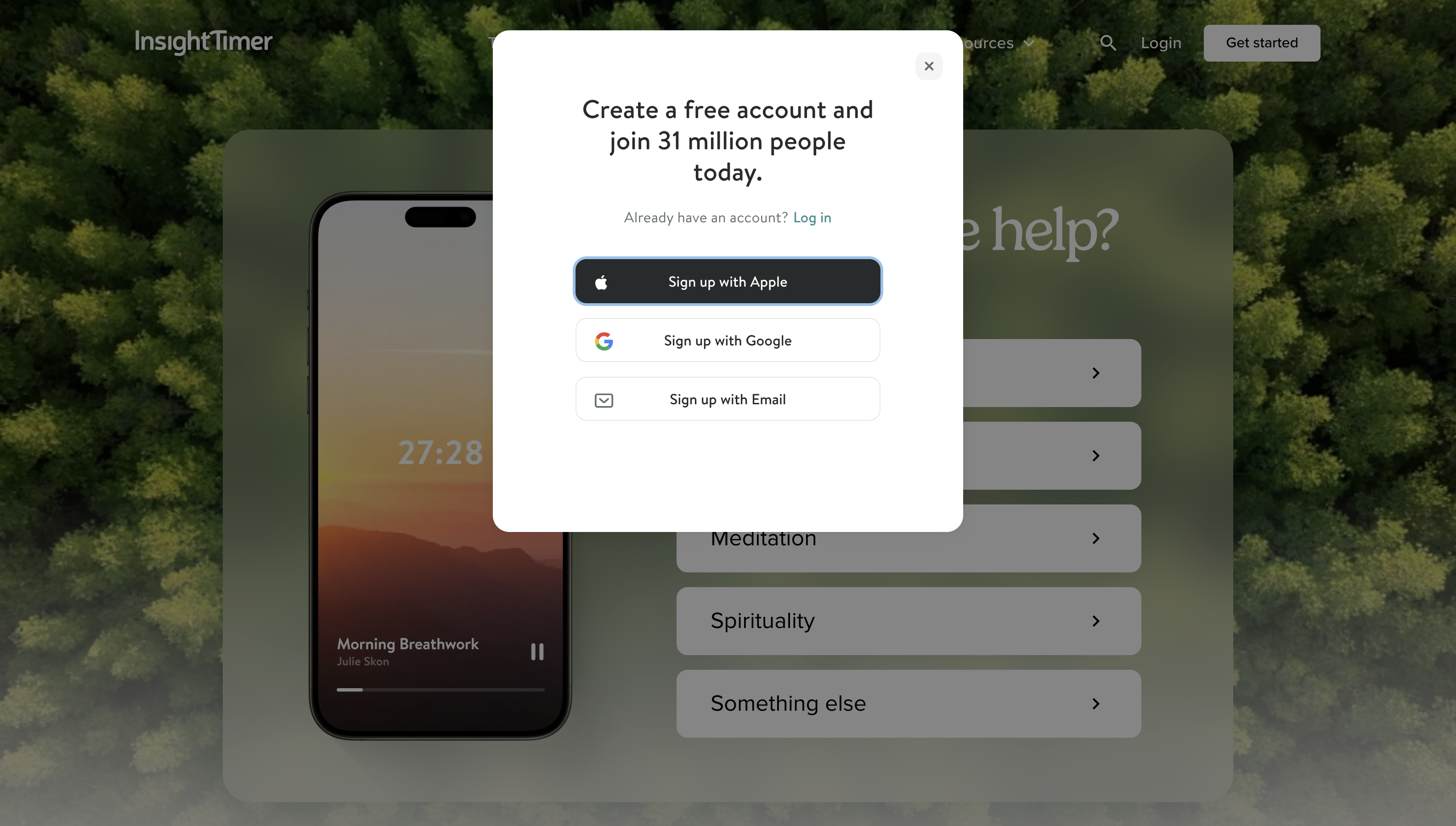
- Go to the Insight Timer website.
- Click the Login button in the upper right corner of the screen.
- Click Sign Up.
- Sign up using your email, Google account, or Apple account, then follow the prompts.
That's it. Once you've created your account, you'll have access to over 300,000 guided meditations, sleep content, music, courses, and live events from our community of teachers and therapists. You can start exploring the free tier right away, and if you want offline downloads and access to premium content, you can upgrade to MemberPlus anytime.