
Watching Your Replays
Replays of your live events are accessible exclusively to you as the teacher. Currently, replays cannot be downloaded.
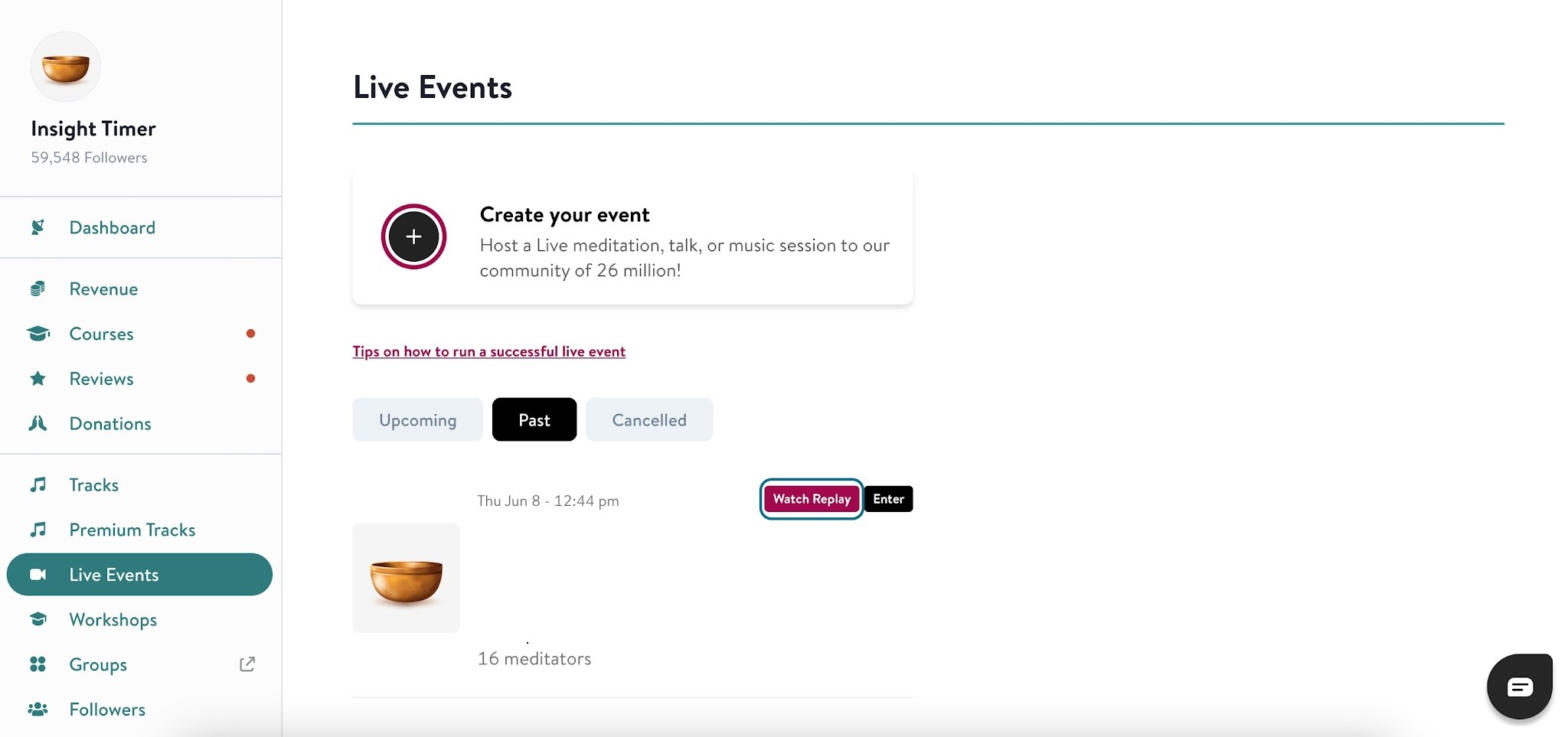
- Log in to the Teacher Dashboard.
- Navigate to Live Events in the left sidebar.
- Click Past to see your previously hosted events.
- Select an event and click Watch Replay.
Replays include all chat comments from the session, making them useful for reviewing engagement and community feedback.
Downloading Comments
Due to privacy protections, downloading comments from live events isn't available. You can review them by watching your session replay.