
Live events and yoga classes on Insight Timer
Insight Timer teachers can livestream guided meditation, yoga, talks, music performances, and more—engaging community members in real-time with both audio and video. Live events are one of the most powerful ways to build visibility, deepen connection with your audience, and grow your reach as a teacher.
All Live Events on Insight Timer must adhere to Insight Timer's Guidelines for Teachers.
What are live events?
Live Events are real-time sessions where teachers on Insight Timer can livestream guided meditations, talks, music performances, yoga classes, breathwork, and other practices. During a live session, you interact directly with the community in real-time using audio and video, creating a direct connection that's unique to live teaching on the platform. Followers receive notifications about your sessions, helping you build an engaged audience.
Where to find live events in the app
Community members can find Live Events by tapping the What's On tab in the bottom navigation bar, then tapping Live Events from the tile icons at the top. Teachers indicated as Live are currently streaming right now.
Why go live on Insight Timer?
Increase your visibility
With over 20,000 teachers on Insight Timer, visibility matters. Each time you host a live session:
- Your followers receive notifications about your session
- You appear in the Live Now section within the Teachers tab
- Your session appears in the dedicated Live Events section
- New community members can discover you through live browsing
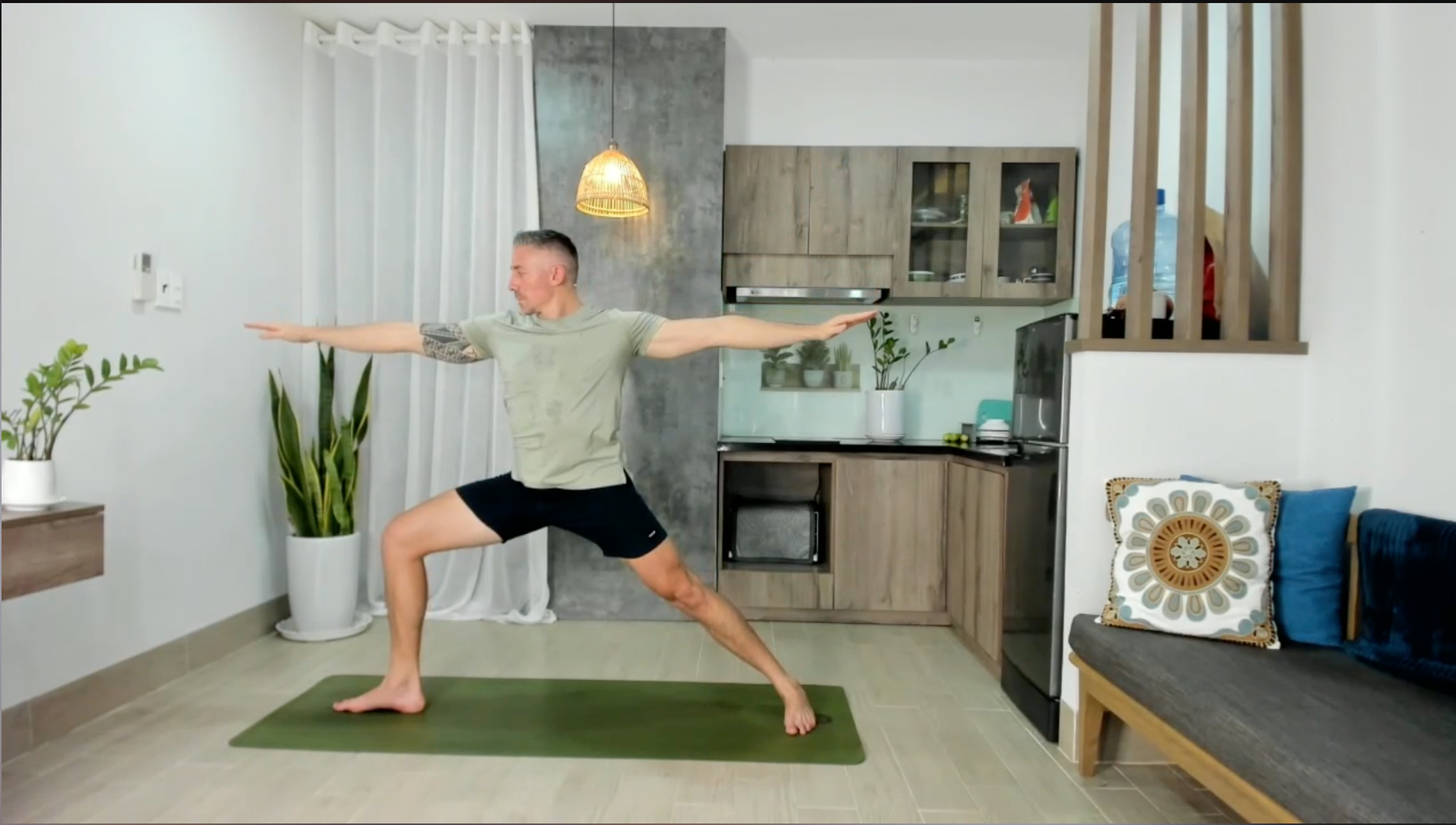
Learn more: Sean Corey shares technical setup tips for seamless yoga classes.
Foster meaningful connection
Live Events give you a direct channel to engage with your audience in real-time, building deeper relationships. In live sessions, we recommend:
- Welcoming viewers warmly as they arrive
- Asking questions and inviting participation
- Responding to chat comments to foster genuine connection
- Creating a sense of community and belonging among attendees
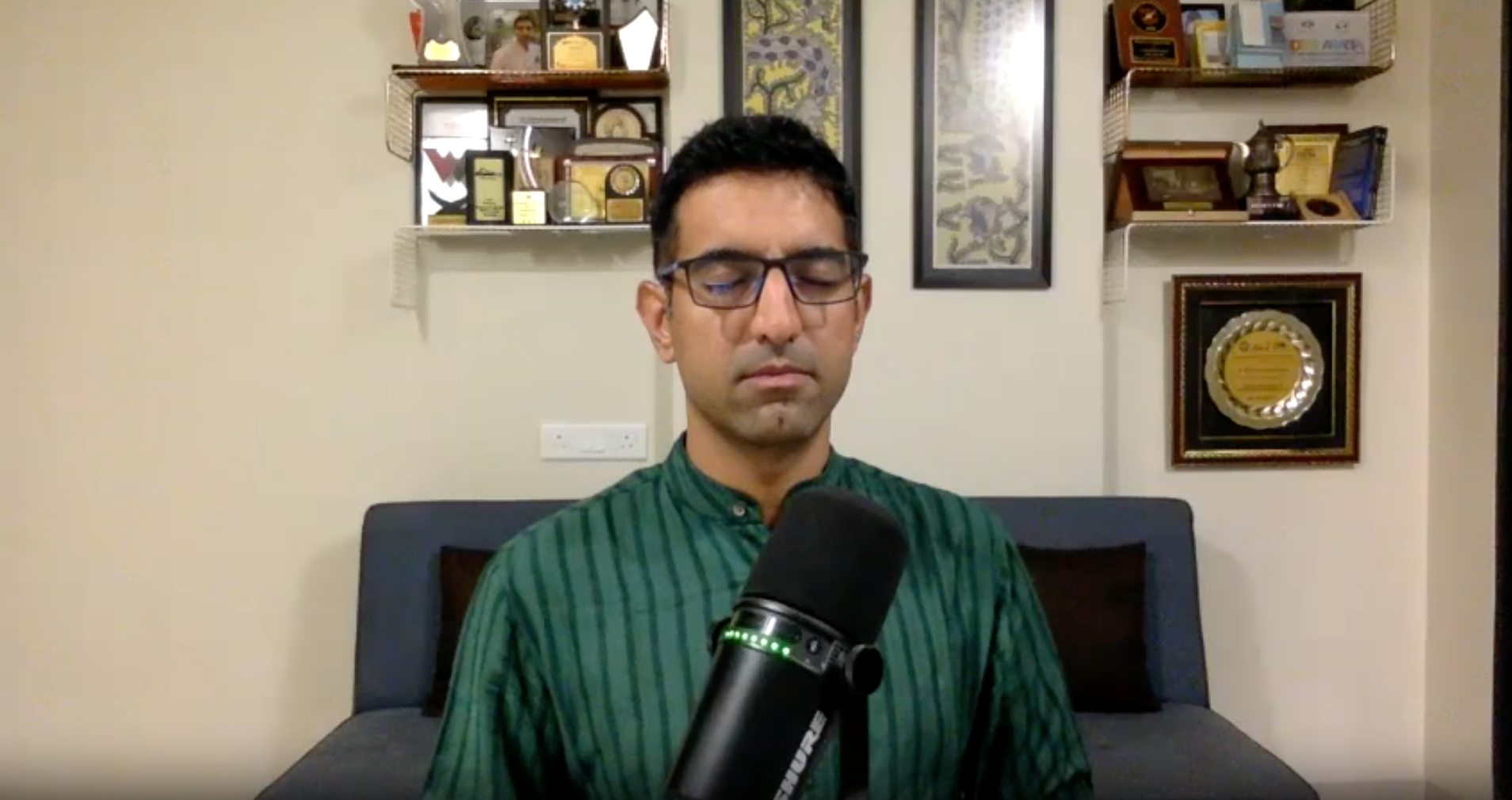
Discover how Yogesh Chabria fosters connection through strategic chat engagement.
Grow your audience
A Follow button is integrated throughout the live and post-live experience. The more Live Events you host, the more followers you'll attract. As your follower count grows:
- More community members receive notifications each time you schedule a new session
- You get notified when you upload new content or release a course
- Your audience visibility and reach expand over time
During a live session, attendees can follow you by clicking your profile picture in the bottom-right corner and selecting Follow. You can also use promotional cards to invite attendees to follow your profile and explore your other offerings.
Increase your income potential
Going live expands your revenue opportunities. Teachers earn income through:
- Donations from community members during and after live sessions
- Driving attendees to your Premium Tracks, Courses, and Retreats
- Building a loyal follower base that supports your work long-term
Teachers receive 100% of donations made via Android devices. Note that Apple charges a 30% fee on donations made through iOS devices.
Learn how teachers earn revenue on Insight Timer: Charles Freligh and Hugh Byrne share strategies for monetizing live sessions.
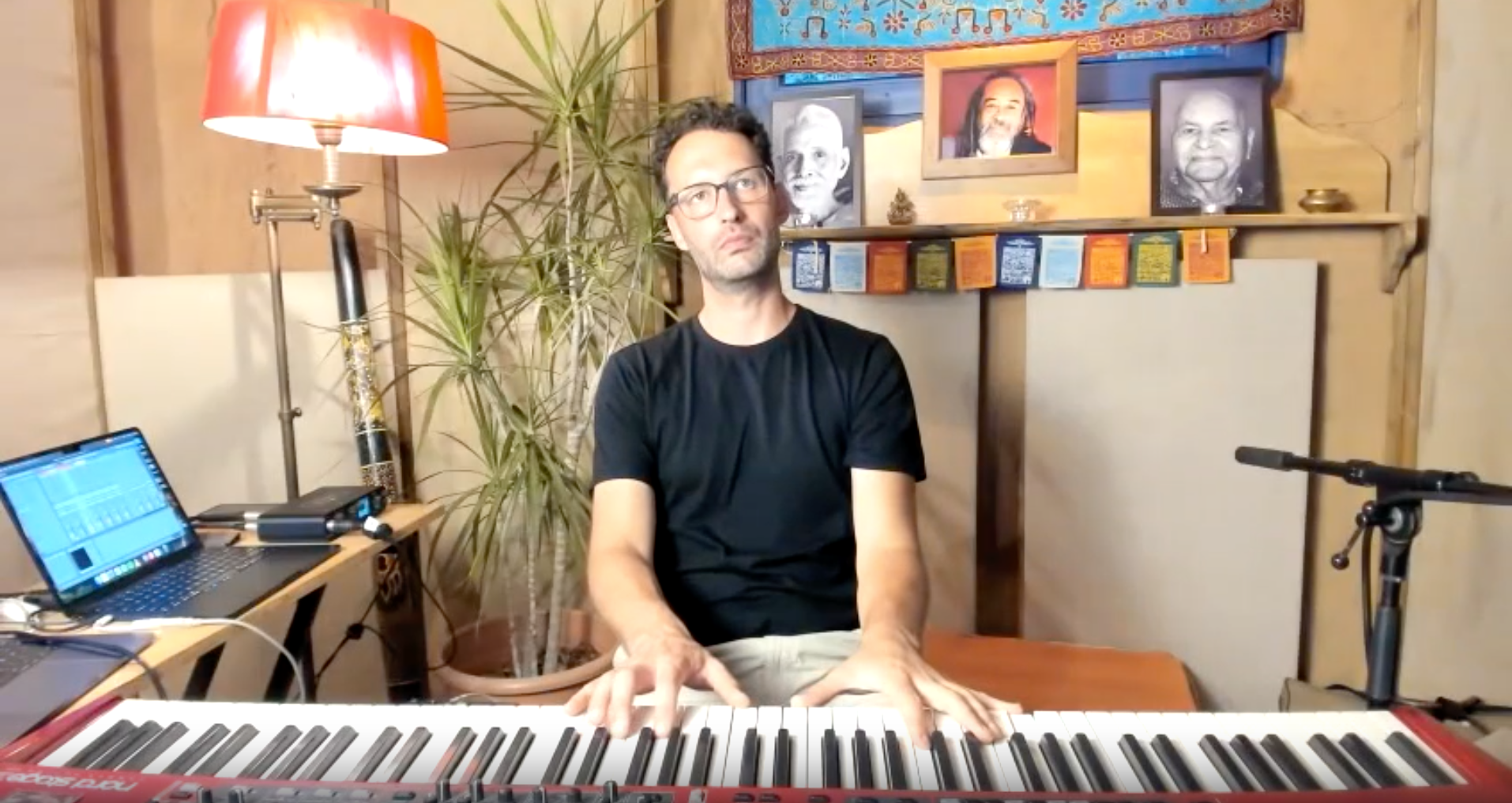
Discover how Gotama handles donations and uses promotional cards.
Quality standards for live events
To ensure every community member has the best possible experience, Insight Timer has clear quality guidelines for Live Events, aligned with the high standards we maintain for all tracks and courses. These standards cover audio, video, lighting, technical stability, engagement, professionalism, credentials, and content boundaries. Here's a detailed breakdown of what we require, recommend, and ask you to avoid:
| External USB / XLR mic Mic 15–20 cm from mouth Clear, undistorted sound | Echoey or distorted sound Built-in laptop mics Notifications pinging mid-session |
| Looking down into camera Cropped body during movement Shaky hand-held shots | |
| Front-facing LED or daylight Tidy, distraction-free backdrop Avoid back-light & glare | Dark or uneven lighting Bright light behind you Messy or distracting backgrounds |
| ≥ 10 Mbps upload speed Backup connection ready Run a speed test before going live | Dropped streams Buffering No fallback plan if Wi-Fi fails |
| Warm welcome & clear structure Respectful chat moderation Invite attendees to share name/location Preview session segments | |
| Professional appearance Neat grooming & courteous manner | |
| Upload certificates in the Teacher Dashboard to speed up reviews | |
| Promoting outside platforms Discussing divisive topics |
To help teachers deliver their best and ensure every session meets our quality standards, we’ve set up a support process that includes the following:
Quality assurance and support
We continuously review live events to ensure they meet our guidelines and quality standards. If we notice areas for improvement, we provide:
- Continuous quality assurance: Our team reviews live events regularly to ensure they meet our standards and guidelines
- Constructive feedback: If improvements are needed, you'll receive a short report with practical tips and examples from top-performing sessions
- Temporary pauses when needed: If basic standards aren't being met, we may temporarily pause your live event access to give you time to adjust your setup. We'll reactivate it as soon as fixes are in place
Prerequisites and requirements
Application
To host Live Events or Live Yoga Classes, you must first submit an application in the Live Events tab of your Teacher Dashboard. Our Onboarding Team will review your application and reach out within 5 days to guide you through the next steps.
Learn how to apply for Live Events and Yoga, and create your first event.
Understand how to use the Live Event hosting screen.
Content and rating
Except for Live Yoga teachers, you must have at least two (2) published tracks with an average rating of 4.5 stars or higher before you can go live.
Profile picture requirements
Cover images for Live Events are pulled from your teacher profile photo. Your profile image must comply with Insight Timer's Teacher Profile Requirements.
Rules and guidelines for live events
All Live Events and Yoga Classes must follow Insight Timer's Guidelines for Teachers, plus these additional rules:
Free access with optional donations
All Live Events on Insight Timer are offered for free. While community members can choose to make donations during your session, contributions are entirely optional. You're welcome to mention the possibility of donations during your event, but you must not suggest—in the event title, description, or during the live session—that attendance or the event itself is dependent on donations or that donations are mandatory.
Avoid no-shows
If you're unable to host a scheduled live event, cancel it from your Teacher Dashboard at least 24 hours before the scheduled time. Three no-shows within six months will result in an automatic three-month ban from hosting live events.
Note: Failure to meet live event requirements and guidelines may lead to a temporary or permanent ban from hosting Live Events, and/or from using and uploading content on Insight Timer.
Additional information
Can I download comments from my live event?
Due to privacy protections, downloading comments from Live Events isn't available. However, you can replay your session anytime—including all the chat comments—to review how the session went and what community members shared.
Are live event replays available?
Yes. Replays of your Live Events are accessible exclusively to you as the teacher. Note that replays cannot be downloaded.
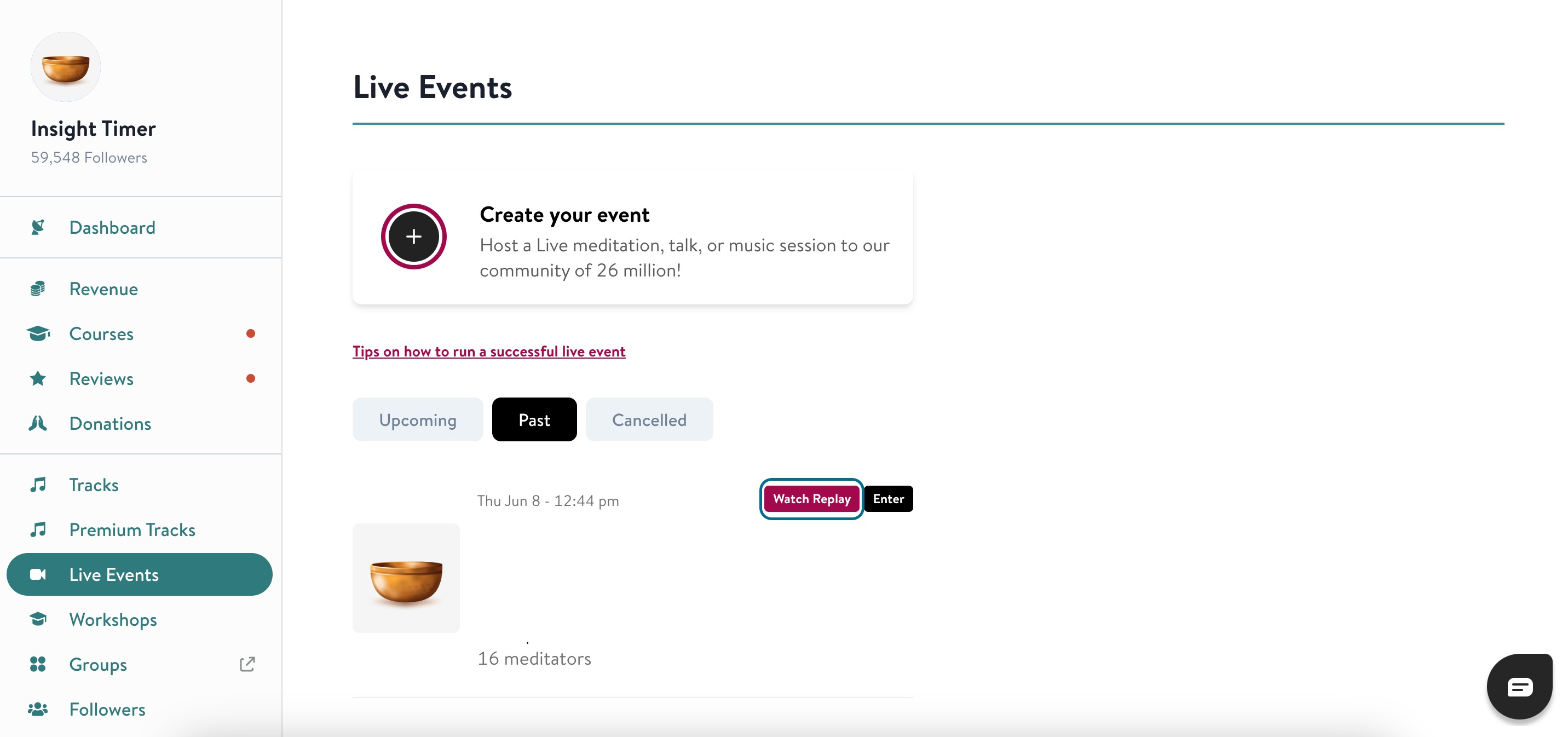
To watch replays of your live events:
- Log into the Teacher Dashboard with your teacher account details.
- Navigate to Live Events in the left sidebar.
- Click on Past to see your previously hosted events.
- Select the event you want to review, and click Watch Replay.
These simple steps let you revisit and review your live event replays for continued learning and improvement.
Content ideas for live events
Looking for inspiration for your Live Event? Here are popular themes that work well on Insight Timer. Remember, you're free to be creative and discuss topics outside this list—just make sure they align with Insight Timer's Guidelines for Teachers.
- A daily morning meditation or mindfulness practice
- A nightly sleep story or bedtime yoga nidra
- Sunrise Yoga Asanas or movement classes
- Sunday 'Self-Care' sessions with a talk and meditation
- A live music session or sound bath
- Conscious Book Club or discussion group
- Weekly journaling tips or guided journaling sessions
- Weekly creative sessions (Mindful Painting, Vision Board creation, etc.)
- Creative writing sessions or poetry readings
- Weekly breathing practices and breathwork tips
- Sound healing or sacred sound sessions
- Evening Buddhist Chanting or spiritual practice
- Post-work Wind Down sessions
- Talks on topics you're passionate about (Self-Love, Confidence Building, Goal Setting)
- Career-oriented content (Goal Setting, Productivity, Success Mindset)
Can I promote my Insight Timer content during live events?
Absolutely. You can use promotional cards to showcase your offerings during live sessions. Promotional cards let you feature your tracks, courses, or retreats directly in the chat, and attendees can interact with them without leaving your session.
Questions and support
For questions about Live Events or to get support with your setup, email publishers@insighttimer.com or use the Chat button on the bottom right of the Teacher Dashboard. Our Teacher Support team is here to help.